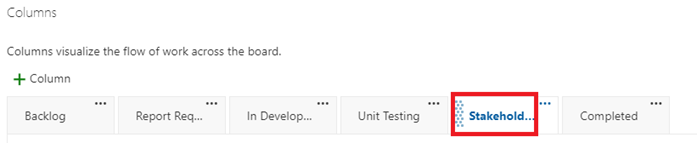
To configure that layout of the Cards on the Board, browse to the Boards > Boards screen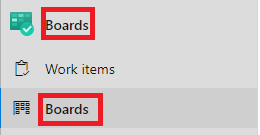
Click the cogwheel icon to configure
Click “Columns”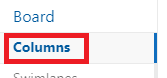
From this screen you can add new columns by clicking the “+ Column” icon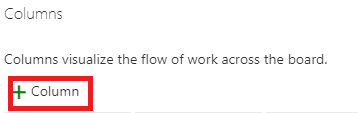
Name the column and specify the state in which it refers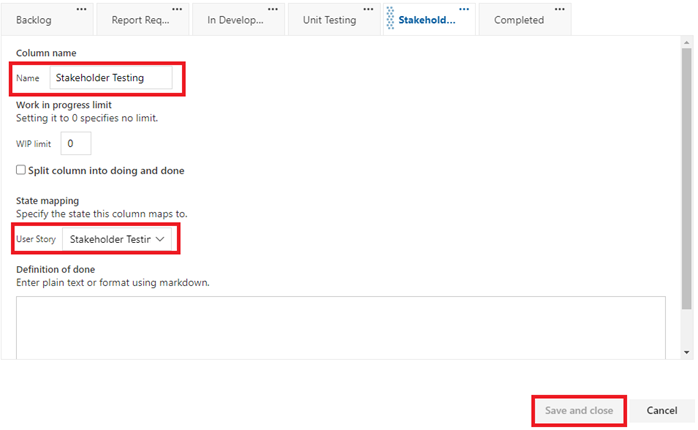
You can move the column order by clicking and dragging on the title of the column